
No Refugio County Search Box
The sheriff's public page has no warrant search, current roster, or status filter. Refugio County readers should call the sheriff for county-level routing, then move to the issuing court for a case answer. The County Clerk's official-records vendor is for recorded documents, not criminal warrants. A docket page can help locate a hearing but cannot prove that process is active or cleared.
Keep the question narrow: “Does your court show an active warrant or capias on my case, and what step does the court require?” Have the citation or cause number ready. If the matter could lead to arrest, call the sheriff or jail and speak with counsel before appearing in person.
Searching for a Warrant in Refugio County
There is no one portal covering Refugio County district, county, JP, and municipal warrants. The best first step is to identify the court from a citation, notice, or case paper, then ask that clerk to check its file. The sheriff's page supplies a phone route, not an online search.
A full name, date of birth, and case or citation number can help staff avoid a mistaken match. Do not treat a clear result on one city payment page or a DPS compliance screen as a countywide answer.
- Call the Refugio County Sheriff at 361-526-2352 for routing. There is no official online name-search form.
- Read the court name on the citation and match the precinct if it is a JP case.
- Use Refugio Municipal Court's TrafficPayment form only for a Refugio city citation; call Bayside, Woodsboro, JP1, or JP2 directly.
- Call the District Clerk or County Clerk for district or County Court files. Request only records the office may release.
- Use DPS/OmniBase for reported FTA/FTP compliance, not warrant status, then confirm any status with the issuing court.
Refugio County Portal Field Limits
The Refugio Municipal Court vendor page is the only local public search form identified. It offers several citation lookup routes, but its scope warning excludes Refugio County Court citations. Its search fields are not a warrant record schema: no warrant number, active status, bond amount, or countywide court selector appears.
A search result can point to a city violation that needs clerk review. Call 361-526-5364 and ask if a warrant is active, whether the court needs an appearance, and what payment or recall path applies. The portal states that warrant payments must be in full unless the court is contacted about partial payment.
Warrant Search Fields Explained
These are the fields on the Refugio Municipal Court citation and payment page. Required status is not stated for every input. Refugio County has no official sheriff search fields to list because no sheriff warrant interface was located.
| Field Label | Type | Required | Notes |
|---|---|---|---|
| Driver's license number/state | Text/select | Unspecified | One search route; city court only |
| Last name and date of birth | Text/date | Unspecified | Date prompt uses MM/DD/YYYY |
| Plate number/state | Text/select | Unspecified | Vehicle citation route, not a warrant list |
| Citation number and DOB | Text/date | Unspecified | No warrant number field |
| Account or service address | Text | Unspecified | Service-address route asks last and first name |
Refugio County Results Need Court Review
No public Refugio sample warrant entry is available, and the local number format is not published. If a clerk confirms a record, ask for the issuing court, cause or citation number, process type, issue date, status date, and any bond or balance that can be released. The clerk may limit details if the matter is sealed, juvenile, or tied to an open investigation.
Keep the actual identifier from the court. Do not rely on an example number from another county. Refugio County's own record fields are unpublished online, so a written confirmation or case receipt is more useful than a guessed format.
What a Warrant Search Shows
Refugio County has no public warrant-result page to inspect, so these are fields to ask the issuing clerk about rather than a promise about a local screen. Start with the court and case identifier. Then ask whether the warrant is active, served, recalled, or quashed, and whether bond is set.
| Number | Local format unpublished; ask the clerk for the exact identifier. |
|---|---|
| Charge or trigger | Offense, missed appearance, or unpaid judgment as recorded. |
| Issuing court | District, County, JP, or municipal court controlling the process. |
| Bond | Amount and type confirmed by the court or jail; no county schedule is published. |
| Status | Ask if active, served, returned, recalled, quashed, or cleared. |
Refugio County JP Precinct Checks
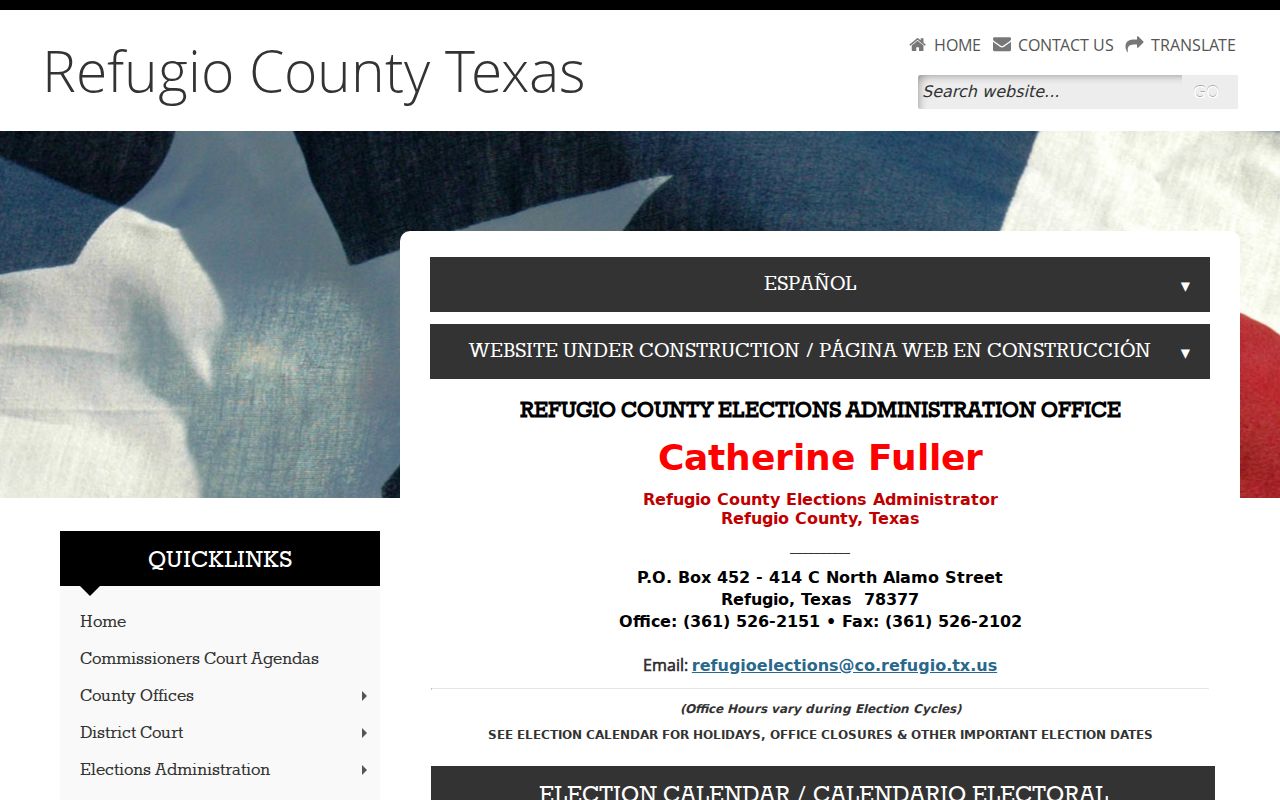
JP1 and JP2 keep separate geographic dockets. The county's justice-court information lists JP1 for precincts 1, 1A, 4, 4A, and 4B; JP2 serves 2, 2A, 2B, 3, and 3A. The precinct map page helps route a county citation before a clerk call.
The image below comes from the county's JP assignment source. It does not display warrant status.
Check the Refugio County precinct assignment before choosing JP1 or JP2.
A phone check can locate the right file, but the court decides whether a person must appear to resolve it.
Where to Check Warrants in Refugio County
The District Clerk keeps district felony, family, and civil files. The County Clerk maintains constitutional County Court records. JP and municipal clerks keep their own lower-court dockets. The sheriff and jail answer county law-enforcement, custody, and bond-routing questions. Refugio County has no single public statewide warrant search; OmniBase handles reported FTA/FTP license compliance.
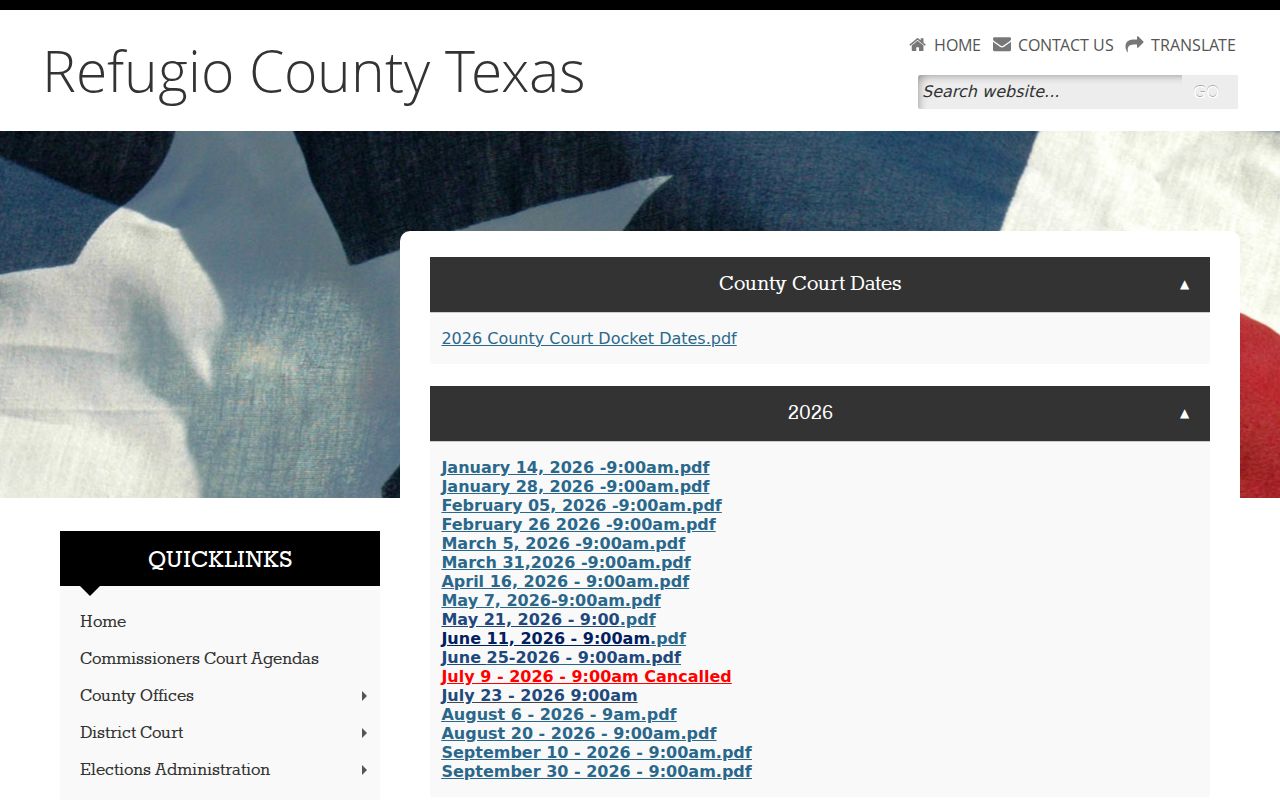
Use a docket only to find case activity. The county docket image below is an official schedule source, not a warrant-status list. A complete personal check means asking the court with the case and the sheriff or jail when service or custody is in question.
Open the Refugio County Court docket page to identify a setting, then call the clerk for status.
Refugio County Docket Limits
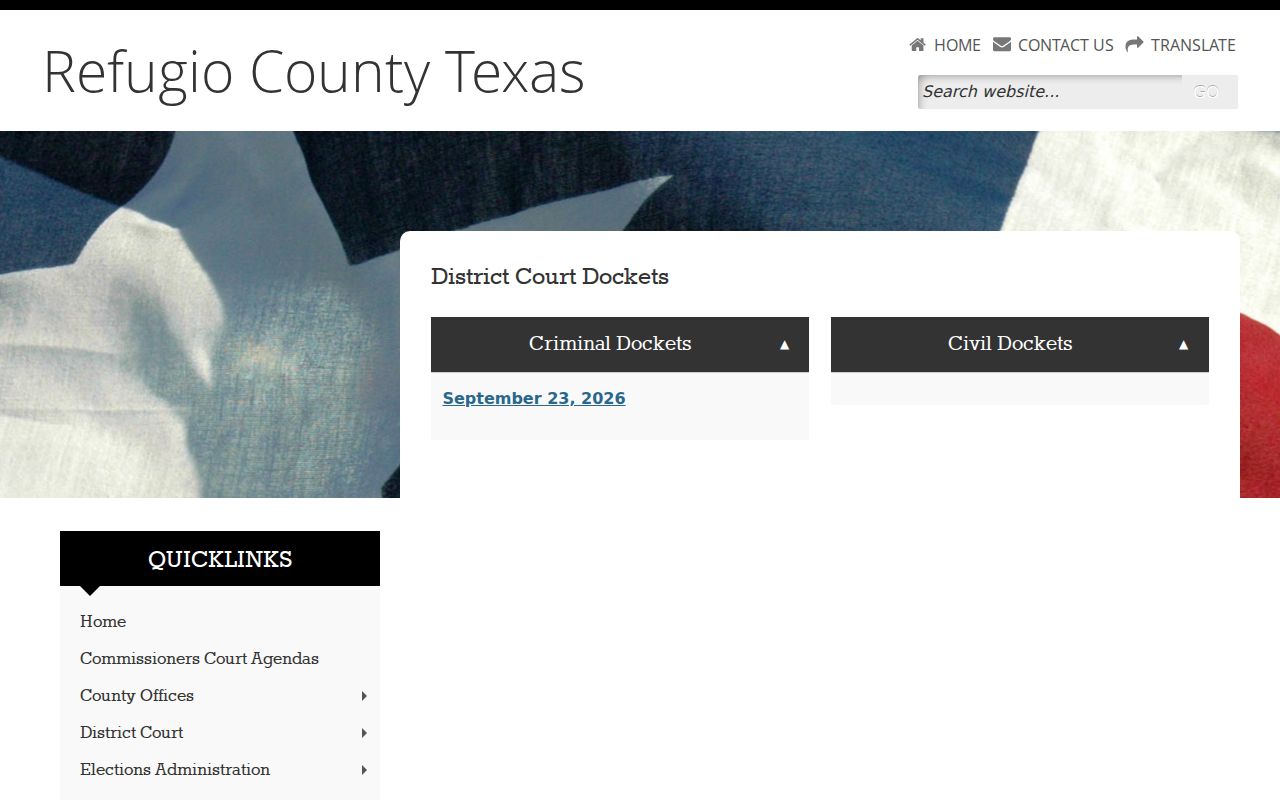
The District Court docket is another locator, not a warrant database. It may show a setting for a cause, but its presence or absence does not confirm whether a warrant is active. The District Clerk can identify which of the 24th, 135th, or 267th Judicial Districts controls a county file; some listed judge offices sit in Victoria while Refugio County matters route through the local clerk.
The image links to the official district criminal and civil docket page. Ask the clerk which case number and court should be used for a status request. Refugio County has no published warrant schema, so do not infer a number pattern from a docket PDF.
View the District Clerk's docket source before calling about a district case.
For broader court routing, the state judiciary directory shows local court categories, not live warrant entries.
Open the Texas Judicial Branch court directory to locate a court office.
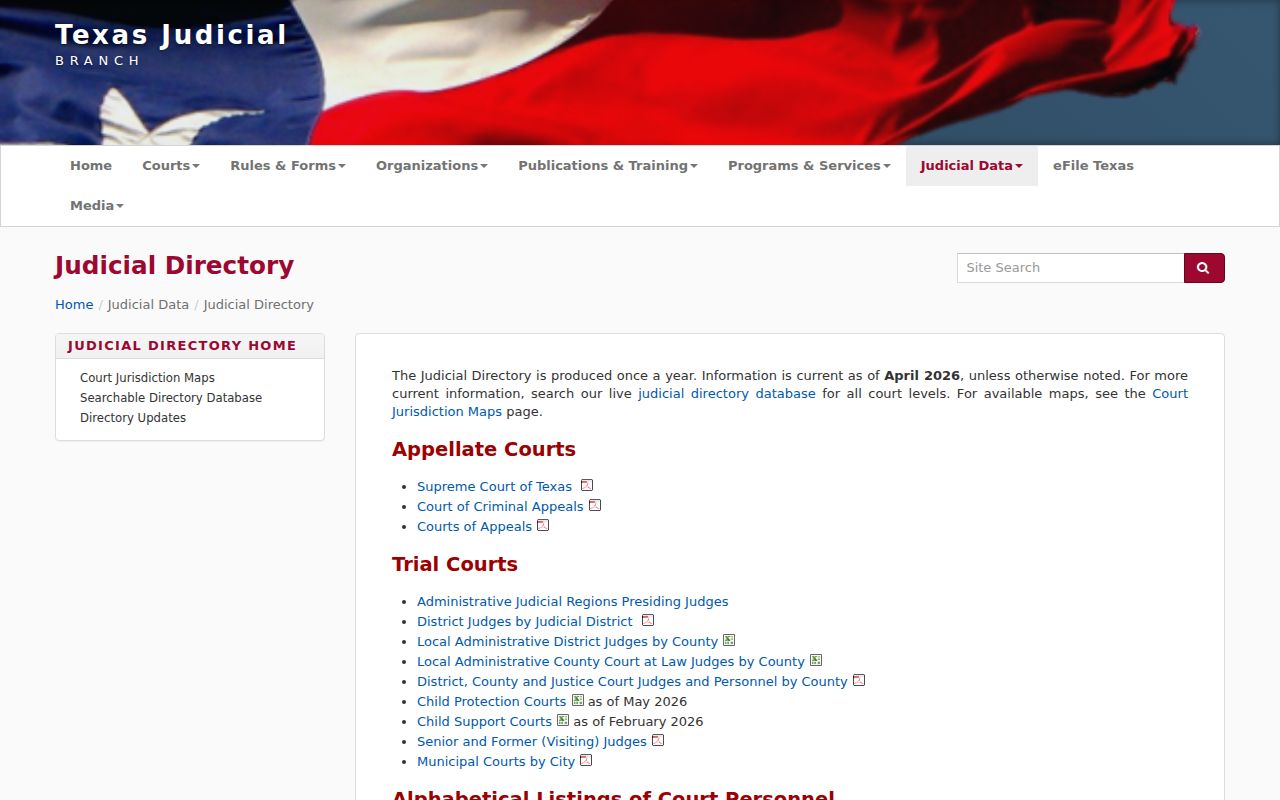
A statewide court directory helps find an office; it is not a statewide warrant lookup.
Restricted Warrants and Access Rules
Texas Chapter 552 allows access to releasable public information, with exceptions for law-enforcement material that could affect an investigation or prosecution. Juvenile arrest warrants and supporting affidavits are confidential under Family Code §58.010. Sealed process may also stay out of public view. Refugio County has no official public list whose gaps can be measured.
Warrant-record access:
A court or law-enforcement office may withhold details if release would interfere with an active matter.
Texas Family Code §58.010 protects juvenile arrest warrants and their supporting complaints.
No search result is not proof of no warrant; ask the issuing court for releasable status.
OmniBase Is Not a Refugio Warrant List
Texas has no single public statewide warrant database. DPS's Failure to Appear/Failure to Pay program can show reported citation compliance and affect license renewal, but DPS specialists say they cannot tell a caller whether a warrant exists. Refugio County's issuing city or county court must answer that question.
- FTA/FTP
- Failure to appear or failure to pay, reported by a participating court.
- OmniBase
- A DPS compliance route, not a court warrant roster.
- Clearance
- Ask the court to confirm its record and whether it sent an update to DPS.
DPS says a paid violation may take up to seven business days to clear after processing. If it remains listed, contact the court that reported it; do not treat the license screen as warrant confirmation.